
En voulant soumettre mon code, je constate que le forum Flatboard possède déjà cette option, toutefois je n'ai vu aucune discussion le mentionnant ni aucune ressource disponible. Je me permets donc tout de même de publier ici ma version du plugin "Sondage"
Description
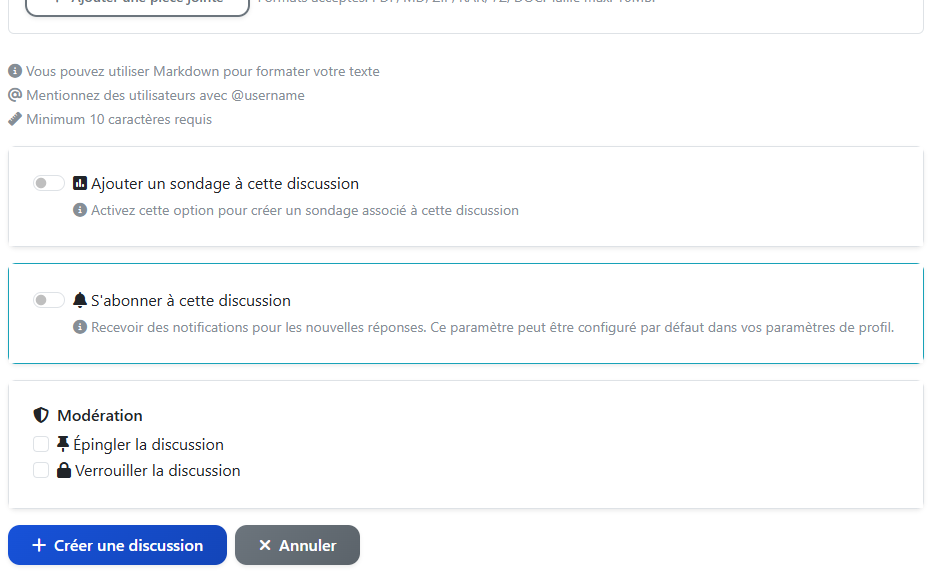
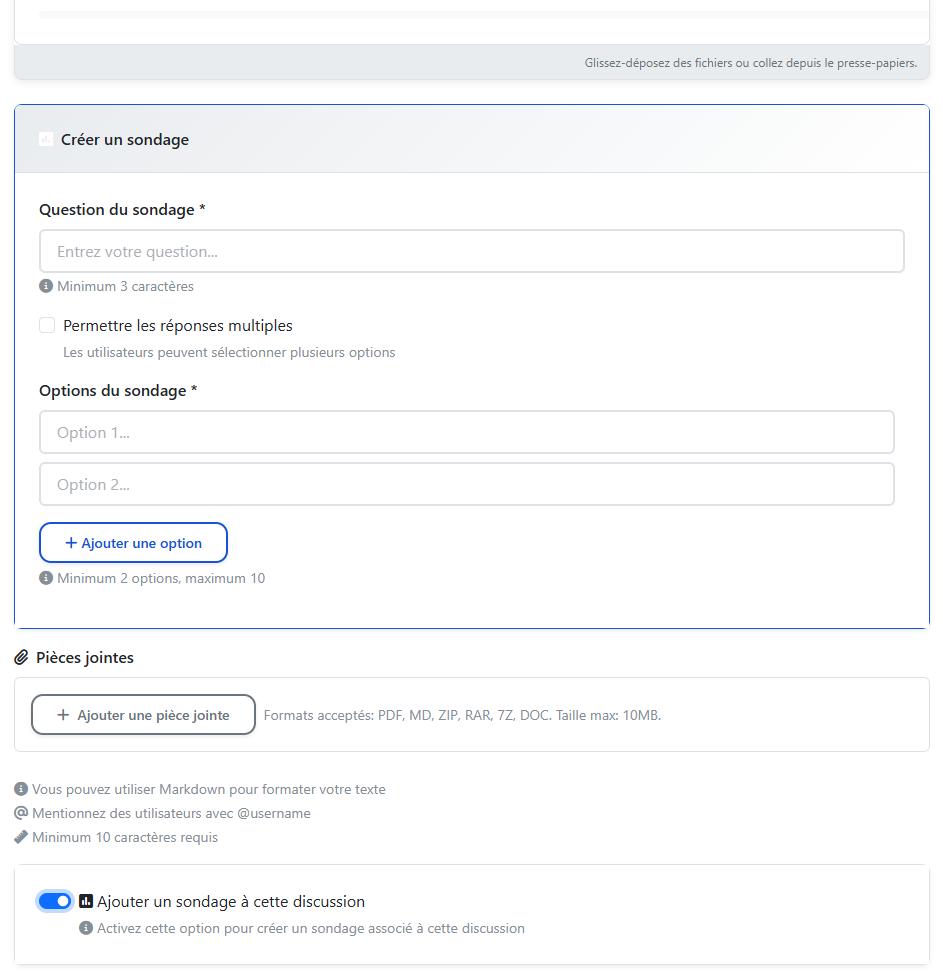
Flatboard Poll est un plugin qui ajoute un système de sondages simple et léger directement aux discussions de votre forum Flatboard. Il permet à l’auteur d’un sujet de créer un sondage associé, afin de recueillir facilement l’avis des membres sans alourdir l’interface ni la base de données. L’intégration respecte l’esprit de Flatboard (gratuit) : aucun recours à une base SQL, configuration minimale et utilisation naturelle au sein des fils existants.
Une particularité importante de ce plugin est qu’il a été développé principalement à l’aide d’agents d’IA, dans une démarche expérimentale autour de la génération de code assistée. Seuls des tests métier ont été réalisés, ce qui signifie que le plugin doit être considéré comme en phase d’évaluation et potentiellement perfectible sur le plan technique.
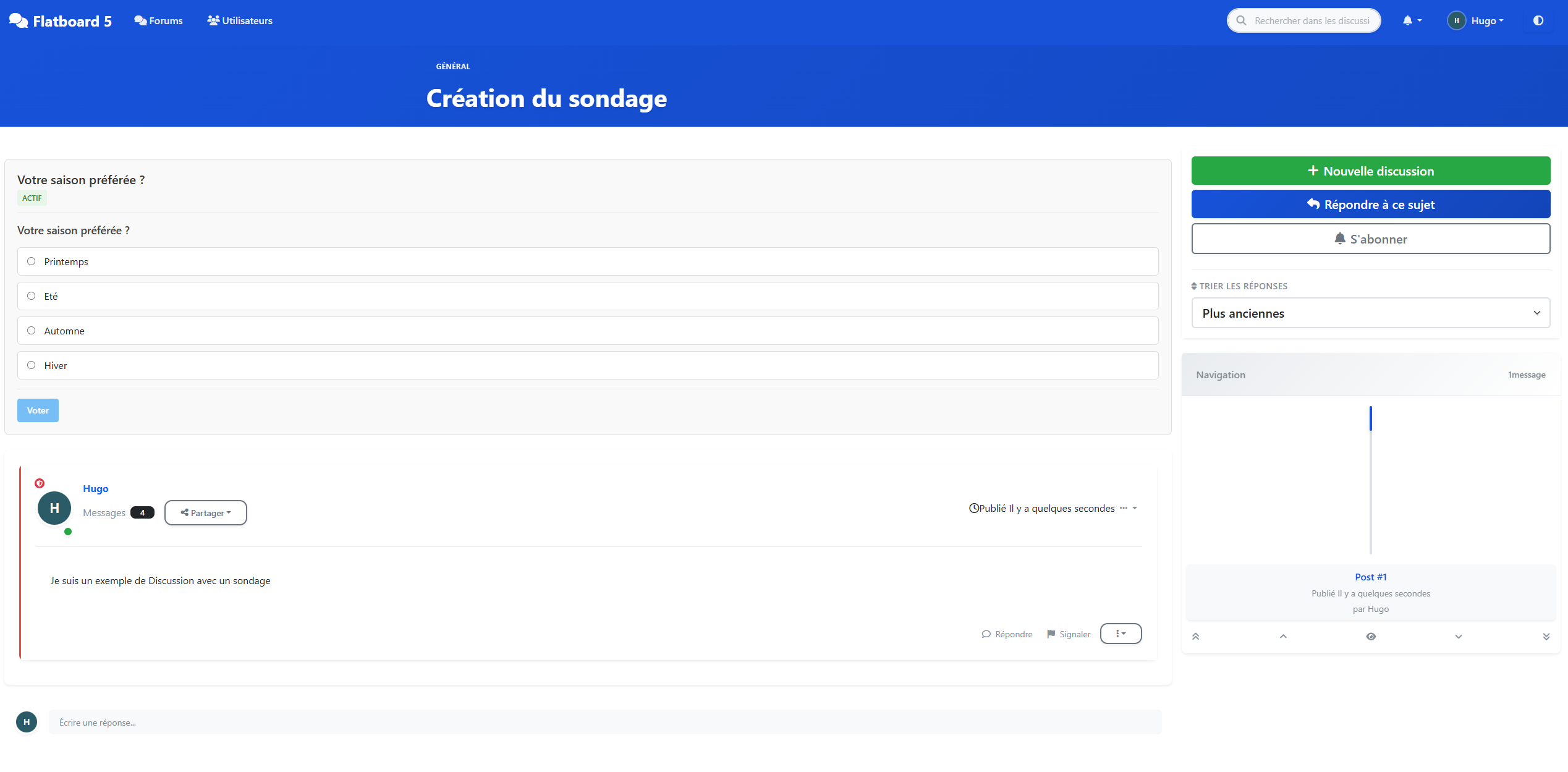
Les sondages sont affichés en tête de discussion, avec les choix de réponse et le nombre de votes pour chaque option, ce qui permet de visualiser le résultat en un coup d’œil. Le plugin conserve la simplicité d’usage de Flatboard : création du sondage en même temps que le sujet, vote en un clic, et résultats immédiatement visibles pour tous les participants. C’est un bon complément pour tous les forums qui souhaitent enrichir leurs échanges avec des sondages (feedback, prises de décision, petites enquêtes) sans sacrifier la légèreté qui fait la force de Flatboard.
Téléchargement
https://github.com/Ilogeek/flatboard-poll
Galerie

Edited on Feb 24, 2026 By Fred .

