
Most forum guides assume you have a VPS and root access. This one does not.
If you are on standard shared hosting — the kind where you get cPanel, an FTP account, and a disk quota — you can run a full-featured forum in 2026 without a VPS, without Docker, and without a database server. Here is exactly how.
The Problem With Traditional Forum Software
phpBB, MyBB, and SMF all require MySQL. Discourse requires Docker. NodeBB requires Node.js and MongoDB. If your hosting plan gives you PHP and FTP and nothing else, almost every popular forum platform tells you to go somewhere else.
The implicit assumption is: "If you want a real forum, you need real infrastructure."
That assumption is outdated. Flat-file forum software has reached the point where it handles everything a small-to-medium community needs — without ever touching a database server.
What You Actually Need
To run Flatboard on shared hosting, you need:
| Requirement | Details |
|---|---|
| PHP version | 8.1 or higher |
| Web server | Apache or Nginx (both common on shared hosts) |
| FTP or file manager access | To upload the files |
| Writable directories | Two folders need write permissions (755 or 775) |
| MySQL / database | ❌ Not required |
| SSH / terminal access | ❌ Not required |
| Root access | ❌ Not required |
Any standard shared hosting plan passes it. If your host supports PHP 8.1+, you are good to go.
How to Check Your PHP Version
In cPanel, look for "PHP Version" or "MultiPHP Manager" in the software section. Most major shared hosts have been on PHP 8.x for a while now. If yours is still on PHP 7.x, it is worth calling them — 7.x is end-of-life and your host should have a migration path available.
Alternatively, create a file called phpinfo.php at your domain root:
<?php phpinfo();
Open it in your browser and look for the version on the first line. Delete the file afterwards.
Step-by-Step Installation
Step 1 — Download Flatboard
Download the latest release from flatboard.org. You will get a ZIP archive containing the full application.
Step 2 — Upload the Files
You can use:
- Your hosting's cPanel File Manager (upload the ZIP, then extract in place)
- FTP with FileZilla or similar (upload the extracted folder)
- SFTP if your host supports it
The folder structure looks like this:
public_html/         ← your web root
└── forum/           ← or directly in public_html/
    ├── app/
    ├── themes/
    ├── plugins/
    ├── stockage/
    ├── uploads/
    └── index.php
You can install it in a subfolder (/forum/) or directly at the root of your domain.
Step 3 — Set Folder Permissions
The only folders Flatboard needs to write to are stockage/ and uploads/. Set both to 775 (or 755 if your host restricts group writes):
In cPanel File Manager:
- Right-click the
stockagefolder → Permissions - Set to 775
- Repeat for
uploads/
Via FTP: right-click → File Permissions → set to 775.
Step 4 — Run the First-Use Wizard
Open your domain in a browser. Flatboard detects that no configuration exists and launches the setup wizard. Enter:
- Site name
- Admin username and email
- Admin password
That is it. The forum is live.
No Database — Really?
Yes, really.
Flatboard stores everything in structured JSON files inside the stockage/ folder. Discussions, posts, users, settings, plugin data — all of it lives as plain files on disk.
A few practical consequences:
File reads are highly cacheable by the OS page cache. For a forum under tens of thousands of posts, reading a JSON file is often faster than opening a database connection, authenticating, and running a query.
Backing up is just zipping a folder — no SQL dump, no mysqldump, no external tool. Moving to a different host means uploading the same folder to a new location, with nothing to reconfigure except possibly the domain name. Restoring from backup means extracting the zip, no import wizard, no character-encoding gotcha.
Will It Scale?
For most communities on shared hosting, yes — the flat-file approach scales fine.
The realistic ceiling for flat-file storage is somewhere in the range of several hundred thousand posts. Most forums never get close to that. A community with 5,000 members and 50,000 posts runs without issue.
When you do need more, Flatboard Pro includes StorageMigrator — a one-click migration from flat files to SQLite. SQLite is a serverless database engine embedded into your application — a single file on disk with full SQL query support, nothing new to install or manage.
This means you can start on cheap shared hosting with no database, upgrade to SQLite with one click when you need it, and never deal with a database server at any point.
No other forum platform works this way. phpBB requires MySQL from day one and you never leave. With Flatboard, you only deal with the complexity when you actually hit the ceiling.
Common Shared Hosting Scenarios
"My hosting plan is $3/month and doesn't include MySQL"
Flatboard is exactly what you need. It requires only PHP 8.1+ and writable disk space.
"My hosting includes MySQL but I'd rather not manage a database"
You do not have to. Flatboard runs without it. If you later want the performance benefits of SQLite, Flatboard Pro's StorageMigrator handles the transition for you.
"I'm on a .htaccess-based Apache host"
Flatboard ships with a .htaccess file that handles clean URLs. Nothing to configure.
"I'm on Nginx (some shared hosts use it)"
Flatboard includes an nginx.conf sample. Share it with your host's support team and they can add the rewrite rules in a couple of minutes.
"I have a WordPress site and want to add a forum"
You can install Flatboard in a subfolder (/forum/ or /community/) alongside your WordPress installation. The two do not interfere with each other — they just share the same domain.
Security on Shared Hosting
Shared hosting has a reputation for being less secure than a dedicated server. Flatboard does a few things to reduce the exposure:
- Data files are outside the web root —
stockage/contains the actual data, and a.htaccessrule prevents direct HTTP access to it - CSRF tokens on every form — prevents cross-site request forgery attacks
- Rate limiting on login, registration, and post creation — reduces brute force and spam risk
- Optional 2FA — available for all user accounts, not just admins
- FlatCaptcha — built-in captcha with no Google dependency
- Content Security Policy headers — set in the response headers by default
None of this eliminates the risk of a compromised hosting account (that is a function of your host and your other applications), but it means Flatboard itself is not a weak link.
What Shared Hosting Can't Do
There are things Flatboard, like any forum, cannot do well on shared hosting:
| Limitation | Details |
|---|---|
| Very high concurrent traffic | Shared hosting throttles CPU and connections |
| Real-time WebSocket features | Most shared hosts block persistent connections |
| Background jobs (crons) | Often available, but restricted |
| Large file attachments | Disk quotas apply |
| Millions of posts | Time to move to a VPS — but Flatboard's SQLite path makes that transition smooth |
If your forum grows to the point where shared hosting is a bottleneck, moving to a cheap VPS ($5–8/month) with Flatboard still running without a database server is a reasonable next step.
Estimated Cost Comparison
| Setup | Monthly cost | Technical requirement |
|---|---|---|
| Discourse (self-hosted) | $6–12/month VPS | Docker, SSH, sysadmin |
| phpBB / MyBB on VPS | $5–8/month VPS | MySQL, SSH |
| Flatboard on shared hosting | $2–4/month | FTP, browser |
| Flatboard Pro on shared hosting | $2–4/month + $49 one-time | FTP, browser |
Getting Started
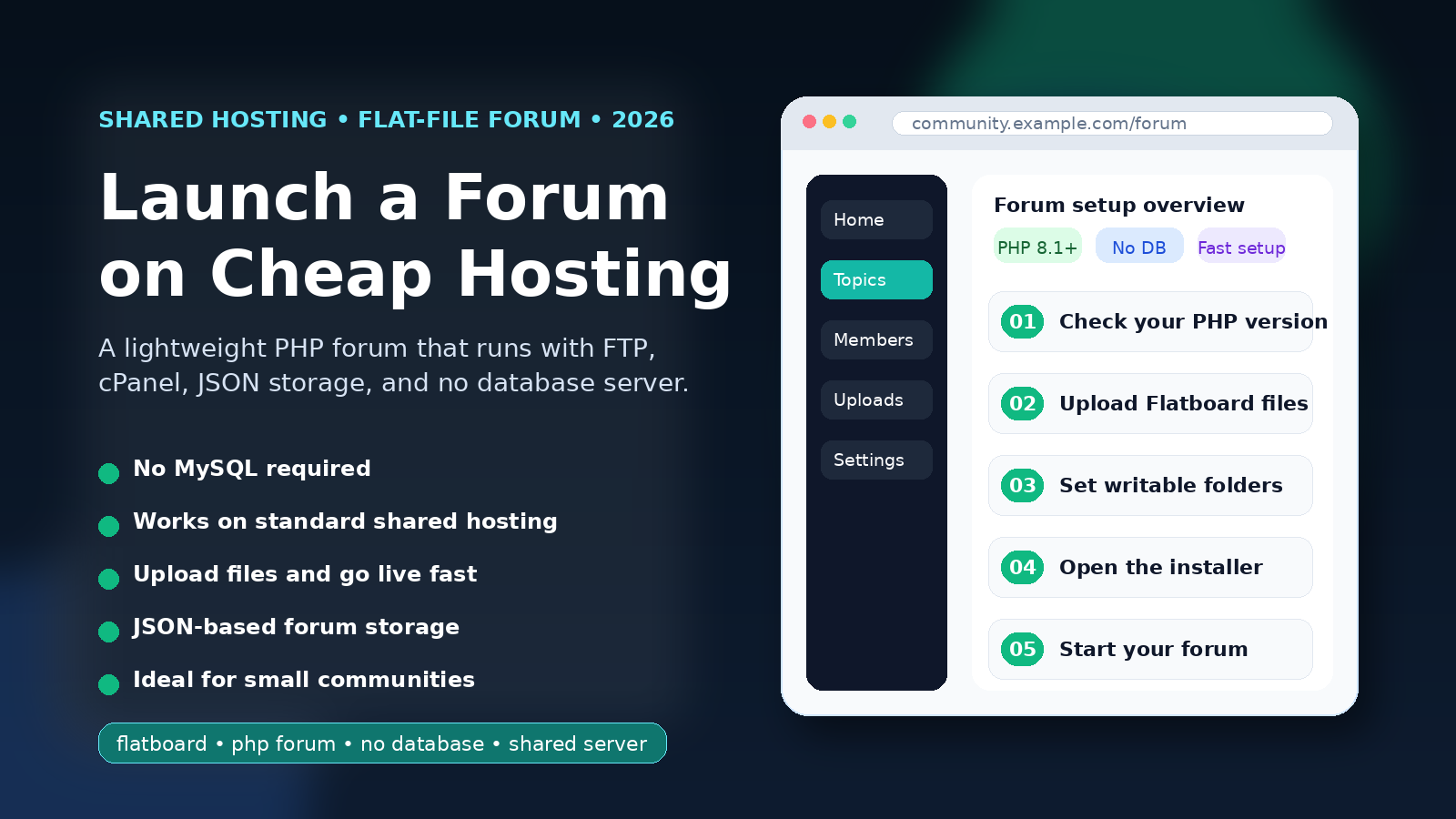
- Check your PHP version (needs to be 8.1+)
- Download Flatboard from flatboard.org
- Upload and extract to your web root
- Set
stockage/anduploads/to 775 - Open your browser and complete the setup wizard
The whole process takes under five minutes. Your forum is live, on the hosting you already have, without touching a database.
Useful Links
- Download Flatboard (free):flatboard.org/resources/flatboard
- Flatboard Pro (SQLite migration + cms + blog + more):https://flatboard.org/resources/view/res_69446c27cd3a35.64491843
- Documentation:docs.flatboard.org
- Community:flatboard.org/discussions
Edited on Mar 31, 2026 By Fred .